Same character,a different relationship
Step into Judy’s workshop. Change the relationship. Listen for the difference.
Explore two saved replies here. Download the code to connect your own model and continue the conversation on your computer. This website does not load models or run inference.
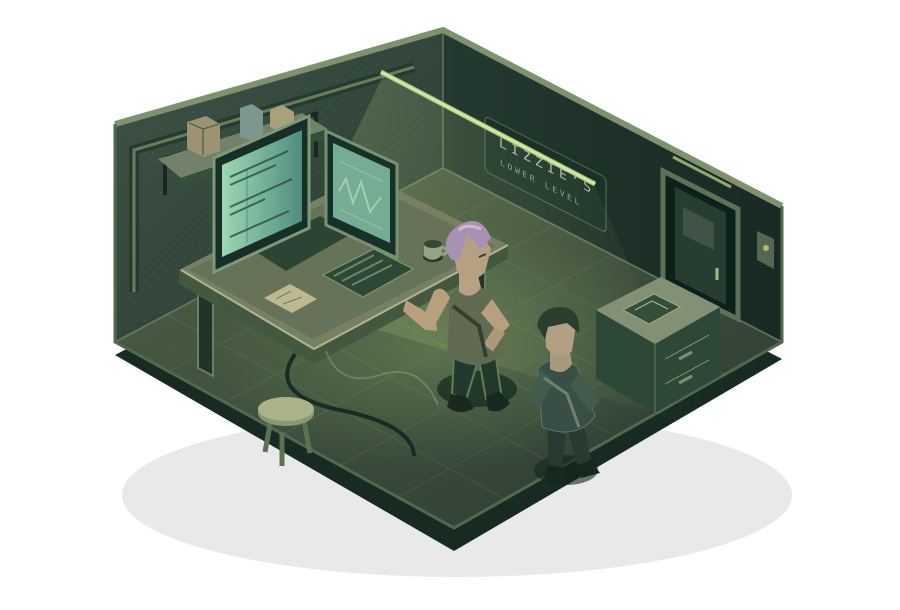
Judy Alvarez
You are V, asking about her workshop beneath Lizzie’s Bar.
- Scene
- Private conversation
- Audience
- No third party
- Timeline
- Before the reveal
- Knowledge
- Same fact boundary
Only the relationship changes. Each branch starts before the first question.
One change, two replies
The same question and model, under two independent relationship conditions.
These are unscored model outputs and may contain unsupported details. A warmer tone does not permit a wider disclosure boundary.
Follow the experiment
Your trace stays in this browser. Select a reply to inspect its input and output.
The relationship changes. The character holds.Identity, facts, and disclosure boundaries should remain consistent.
Take the experiment with you
The download contains this interface, both source cases, the recorded replies, and a small Python server. No full repository or database is required.
- Install Python 3.11 or later.
- Unzip the download and open a terminal in
npcbank-lab-demo. - Run
python3 run.py(Windows:py -3 run.py). - Open
http://127.0.0.1:8765/in your browser.
Recorded mode needs no extra packages, model, or API key.
Connect your own local model
Start a local model server, then install the optional connector and use your server’s actual model ID:
python3 -m venv .venv
.venv/bin/python -m pip install -r requirements.txt
.venv/bin/python run.py \
  --model-url http://127.0.0.1:1234/v1 \
  --model-id YOUR_SERVED_MODEL_ID
On Windows, use .venv\Scripts\python.exe. Model weights and the inference engine are not included. Only loopback endpoints are accepted.